Website security often gets overlooked until there’s a problem. Most people assume their site is safe once it’s live and running. But that peace of mind can disappear fast if things start acting strange or your data ends up somewhere it shouldn’t. Security threats rarely start with a big, obvious alarm. Instead, they slip in quietly and leave subtle signs if you know what to look for.
Spotting those warning signs early gives you a better shot at stopping real damage before it takes hold. Whether your site is for a business, a blog, or a shop, it’s holding important information. That makes it a target. Paying attention to odd behavior or unexpected changes can help you act quickly. Pairing that awareness with the right web security solutions is how you stay ahead of the problem.
Suspicious Activity And Unauthorized Access
When someone gains access to your website who shouldn’t have it, you might not notice right away. Logs may still show everything as working fine, and your front-end might look normal. But under the surface, the system could be wide open to damage or data theft.
Here are a few things that could point to unauthorized access:
– Logins from unfamiliar locations or devices
– A sudden increase in failed login attempts
– Users being added to the admin panel without explanation
– Changes to account permissions that you didn’t make
Let’s say you run a small online store and discover a new user account with full admin rights that you never created. That’s a big red flag. Even if nothing else seems off, that strange new account could be someone preparing for a larger breach.
Other signs show up as secondary effects. You might get reports of customers receiving emails from your domain that you never sent. Or you might notice that some products or pages have been changed without any trace of who did it. If anything feels off, take it seriously and investigate further.
Many people delay action because they assume it’s a system glitch or staff mistake. But unusual site activity tied to user access should be looked at with caution. It’s not about being paranoid. It’s about keeping one step ahead of what could become a bigger problem.
Unexpected Website Changes
Another sign something’s wrong is when your website starts doing things you didn’t ask it to do. These changes can be easy to dismiss, especially if you think there was a recent software update or setting change, but some of them suggest deeper issues that need immediate attention.
Watch for changes like:
– New pages appearing with no clear reason or source
– Content getting altered or replaced without user input
– Redirects that send people to completely unrelated websites
– Pop-ups or banners showing up that weren’t part of your original design
One of the most telling signs is a sudden redirect. If a customer clicks on a product or blog post and ends up on a third-party site filled with ads or scams, they’ll probably lose trust fast. Not only does that hurt your reputation, but it could also lead to search engine penalties if it goes on too long.
Styling or structural changes might sneak in too. Menus might behave strangely. Page layouts could shift. The site might start loading portions of other content from unknown sources. Most of this happens fast and quietly, and the damage compounds the longer it’s left unchecked.
Always keep a version-controlled backup of your website. It makes spotting new, unauthorized changes easier. More importantly, it lets you undo the damage faster if the issue gets out of hand. Sticking to strong security practices and keeping regular check-ins on your site’s behavior can make a real difference here.
Performance Issues And Downtime
When a website starts lagging or going down without warning, it’s easy to think your hosting provider is to blame. But slow speeds and repeated crashes can also be signs that something else is going on behind the scenes. Cyber threats often drain server resources by running unauthorized scripts or sending out large numbers of requests in the background.
Here’s what to watch for:
– Your site takes longer than usual to load, even with a stable internet connection
– Visitors report trouble accessing your pages
– Parts of your site go offline without any maintenance or scheduled downtime
– You notice strange patterns in your resource usage, like spikes in CPU or bandwidth
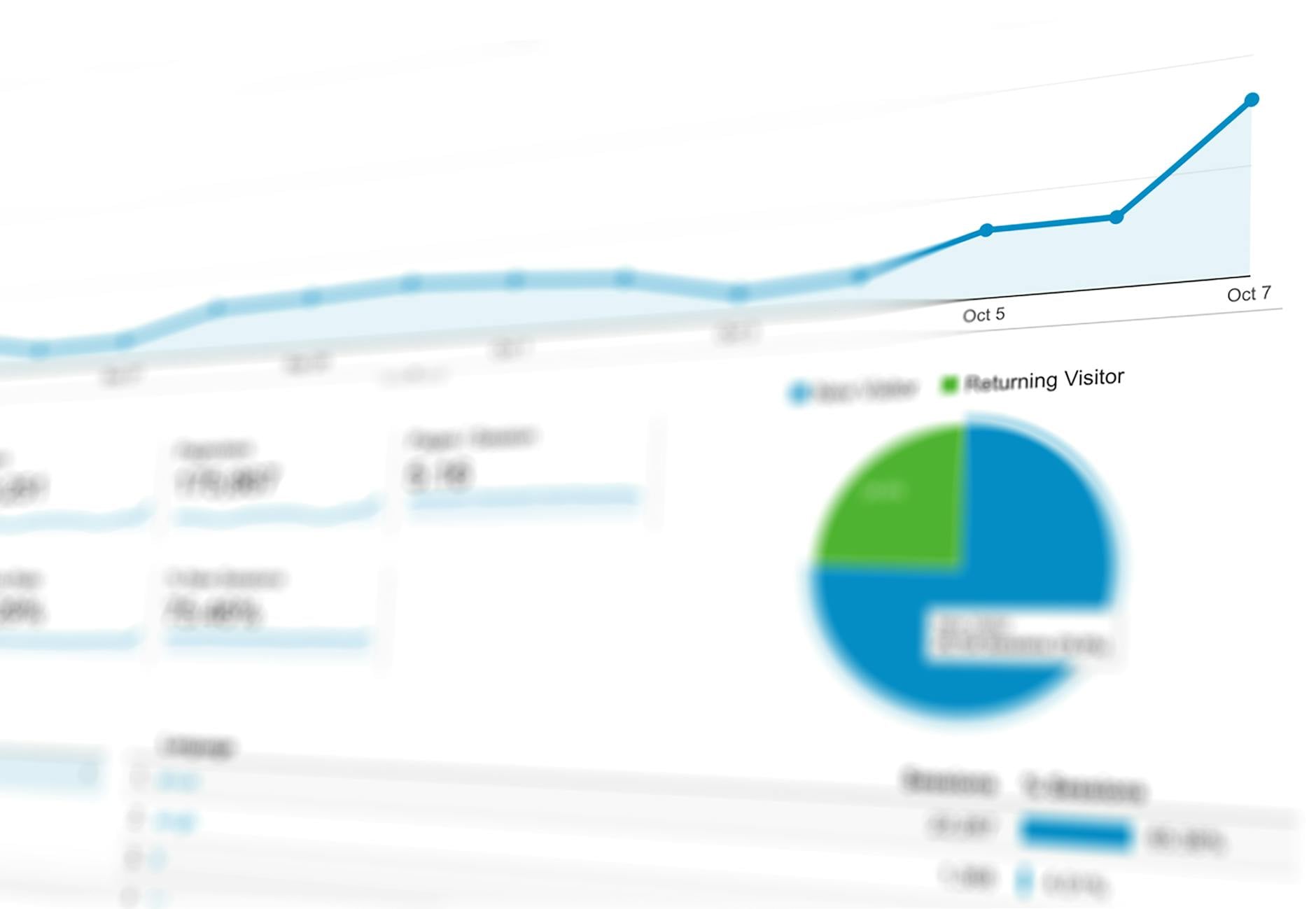
Some of these issues may seem temporary. Maybe your site just had a traffic surge. But if your analytics don’t match that kind of growth, then it’s worth a closer look. Attackers often use bots to flood websites, causing a slowdown and giving them time to look for weak spots.
A real example would be an informational blog that suddenly becomes unresponsive during regular evening hours. You check your dashboard and see a big jump in traffic from random overseas addresses. While it might look like a boost in visitors, it could actually be a targeted effort to crash your site or find gaps in your security.
If this kind of thing happens more than once, don’t wait for it to get worse. These performance issues might just be the tip of the iceberg pointing to a larger breach in progress.
Data Breaches And Information Theft
Losing data is one of the worst outcomes of a website breach. Whether that’s private customer information or your company’s files, the impact can be long-lasting. Even small leaks can lead to damaged relationships and potential risks for your users.
A few warning signs to be aware of include:
– Missing or altered files without user changes
– Odd file names or extensions suddenly appearing in your directories
– Emails or calls from customers saying their information was leaked
– Security tools picking up suspicious behavior that you didn’t initiate
Sometimes, the breach doesn’t scream for your attention. Maybe a single email address is exposed and used for spam. Or maybe an old backup gets pushed to a public-facing folder. These quiet leaks can still cause damage. The people affected may not even tell you. They just stop trusting your brand.
If you’re collecting any kind of form data, storing customer accounts, or managing payments online, this part is especially important. A data breach hits your business and the people who rely on you. Even a one-time exposure can change someone’s mind about ever visiting your site again.
Make a habit of checking your logs and backups. Look for things that feel out of place. The sooner you catch a leak, the better your chances are of fixing the damage before it spreads.
Protect What You’ve Built
You work hard to keep your business, your brand, or your content out there for people to find. So when something threatens to break that trust, you’ve got to move fast and stay alert. Paying attention to the warning signs a spike in failed login attempts, an odd redirect, or pages going missing gives you the chance to fight back before it snowballs into something that takes you offline.
Don’t wait until a security issue hits you over the head. Keep tabs on how your site performs, look for small behavior changes, and respond when it starts acting strangely. These steps may seem small, but they make a huge difference. Staying on top of security now can help you avoid major headaches later. Think long term, and protect what you’ve worked so hard to grow.
Don’t leave your website’s future to chance. Safeguard your digital assets with comprehensive support that addresses potential problems before they escalate. Explore our services at Digital Linkage and discover advanced web security solutions to ensure your site remains secure and reliable. Here’s your opportunity to reinforce your site’s defenses with experts who understand the evolving threats in the online world.