2026 Guide to Automating Social Media Marketing with Hootsuite AI
Last Updated: April 12, 2026
The 2026 guide to automating social media marketing with Hootsuite AI is a comprehensive resource for leveraging the latest advancements in artificial intelligence to streamline social media strategies. By automating posting schedules, tracking analytics, and improving engagement with built-in AI tools, businesses can maximize their online presence and reach their audience more effectively.
Introduction
In this 2026 guide, we explore the benefits and strategies of automating social media marketing with Hootsuite AI for effective engagement. As marketing technology continues to evolve, tools like Hootsuite AI empower businesses to save time, enhance audience targeting, and optimize resources for better ROI.
With Hootsuite AI social media marketing, automation allows you to manage multiple platforms simultaneously, analyze performance in real-time, and create an optimized calendar that drives results. By following the step-by-step process below, you’ll be equipped to maximize the potential of your social media campaigns effectively and efficiently.
Prerequisites
Before diving into the automation process with Hootsuite AI, ensure you have the following:
- An active Hootsuite account (you can sign up at Hootsuite Official Website).
- Connected social media accounts (such as Facebook, Instagram, Twitter, and LinkedIn).
- Basic knowledge of social media marketing principles.
Step-by-Step Guide to Using Hootsuite AI for Social Media Marketing
- Sign Up for Hootsuite: Visit the Hootsuite website and select an account plan that aligns with your business needs. Plans range from Basic to Business, and pricing starts at just $19 per month as of 2026.
- Link Social Media Accounts: Log in to your Hootsuite dashboard and navigate to “My Profile.” Click “Add a Social Network” to start connecting your platforms. Follow on-screen prompts and grant necessary permissions.
- Create and Schedule Posts: Use the automated “Content Scheduler” in the Publisher section to draft posts and schedule them for the most engaging times. Hootsuite AI provides tailored recommendations by analyzing when your audience is most active.
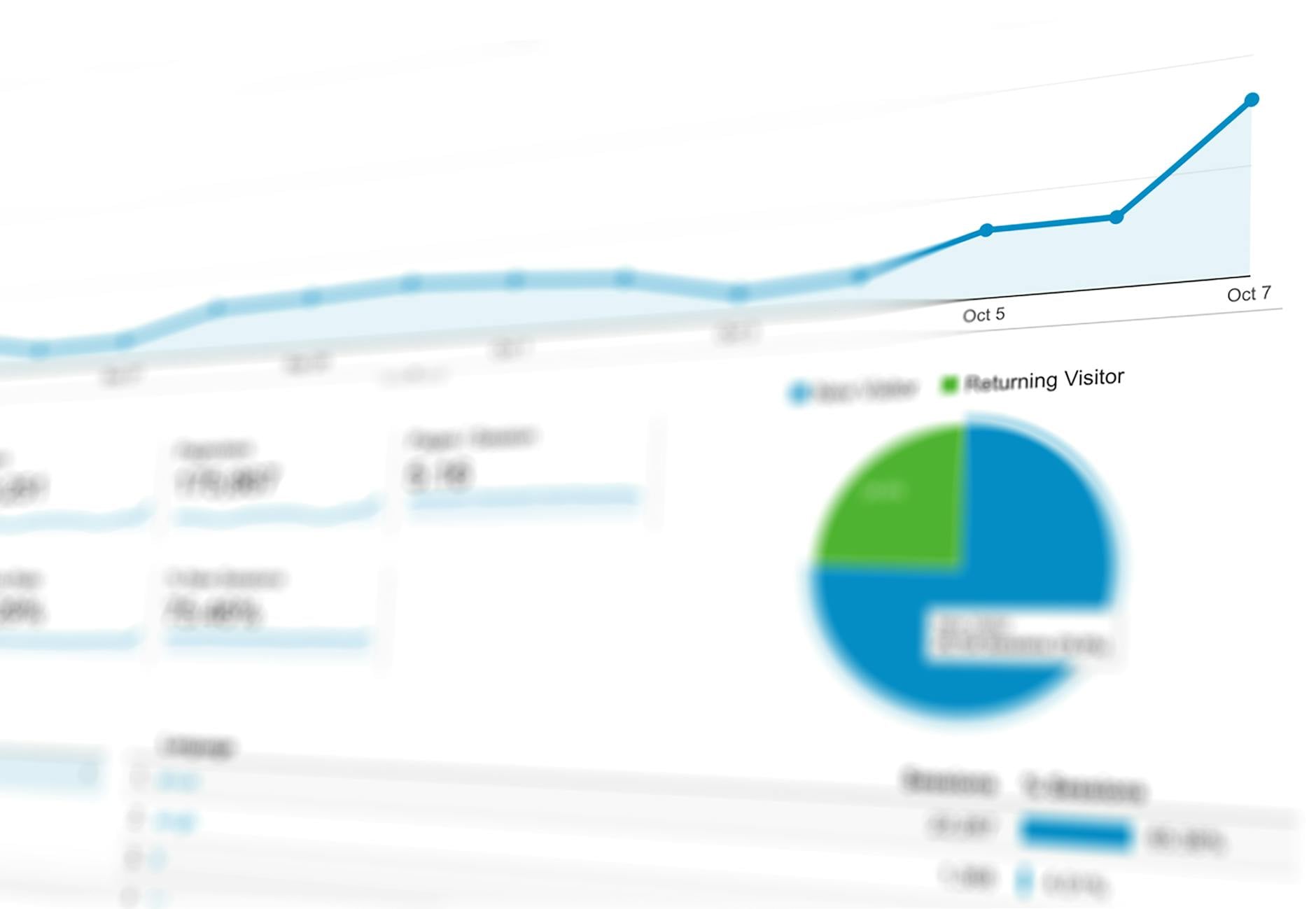
- Leverage Analytics: Access the Analytics dashboard to monitor key metrics such as engagement rates, click-through rates, and follower growth. Regularly analyze this data to refine your strategy. Studies by Statista show that brands using data-driven marketing strategies experience up to 20% higher growth rates.
- Integrate Third-Party Tools: In the “Apps” section, find integrations like chatbots or CRM tools to enhance customer engagement and streamline operations. For instance, Hootsuite’s AI-integrated apps can respond to customer inquiries within seconds, boosting retention rates by as much as 53% (Gartner, 2026).
Comparison Table: Hootsuite Free vs Paid Plans
| Feature | Hootsuite Free Plan | Hootsuite Professional Plan | Hootsuite Team/Enterprise Plan |
|---|---|---|---|
| Number of Social Accounts | Up to 2 | Up to 10 | 50+ (Team: 20, Enterprise: unlimited) |
| Schedule Posts | 5 posts per account | Unlimited posts | Unlimited posts |
| Analytics | Basic metrics | Advanced analytics tools | Custom analytics and reports |
| Team Collaboration | Not available | Up to 1 team member | Multiple teams and custom roles |
| Price (as of 2026) | Free | Starting at $19/month | Starting at $99/month (Team) Custom pricing (Enterprise) |
Common Issues & Fixes
Even with efficient systems in place, you may encounter some common challenges while using Hootsuite AI. Here are potential issues and their respective fixes:
- Connection Issues: If your social accounts don’t connect, ensure you’ve fully authorized the integration. Disconnect and re-connect the platform if necessary.
- Failed Post Scheduling: Double-check if the times and dates of the posts align with the calendar availability and that your automation rules are correct. Use Hootsuite’s “Best Time to Post” feature for optimal scheduling.
- Incomplete Data in Analytics: If analytics fails to populate, it may be due to delays from third-party platforms. Allow up to 24 hours for updates or refresh your connected accounts in the settings.
Pro Tips for Maximizing Hootsuite AI
- Leverage AI-Driven Engagement Insights: Use Hootsuite’s AI recommendations to understand audience preferences and craft content that performs better. For example, data from HubSpot indicates that video posts tend to get 48% higher engagement than text-only posts in 2026.
- Test and Learn: Experiment with different post formats, hashtags, and posting times. Hootsuite AI’s reporting tools can help you evaluate which strategies are most effective.
- Incorporate A/B Testing: Utilize A/B testing features built into the Hootsuite platform to test content variations and optimize for the best outcomes.
- Stay Updated: Regularly update your account settings and connect to new platforms as social trends evolve. According to Sprout Social, adding emerging platforms like TikTok has been shown to improve brand visibility by 32% in 2026.
FAQs
- What is Hootsuite AI?
Hootsuite AI is a suite of AI-powered tools that automate social media management tasks, including post scheduling, analytics tracking, and audience engagement recommendations. - How does Hootsuite AI improve engagement?
Hootsuite AI analyzes audience behavior patterns to provide data-driven recommendations for the best times to post, as well as suggesting optimized content formats to increase likes, comments, and shares. - Can small businesses benefit from Hootsuite AI?
Yes, absolutely. Hootsuite AI offers plans for businesses of all sizes, allowing small businesses to automate tasks, save time, and focus on growing their audience with minimal effort. - Is Hootsuite AI beginner-friendly?
Yes, Hootsuite AI includes an intuitive interface and guided setup, making it accessible even to users with no prior experience in social media marketing. - What is the cost of Hootsuite AI in 2026?
Hootsuite offers a free version with basic features and paid plans starting at $19/month for advanced tools. Enterprise plans with custom solutions are also available.